
Step-by-Step GST Login Process — With Screenshots Guide

What is the GST Portal?
The GST Portal is an official website started by the Government of India to provide GST-related services, including submitting GSTR forms. It navigates all businesses in performing important GST activities, including GST Registration, GST Return Filing, GST Updates, and GST Cancellation. Through the GST portal, a business can get its GSTIN, upload the invoices, track its application, and keep up its proper tax records, and all these can be done without any burden of paperwork. The portal simplifies the GST process for taxpayers across the country, making it more transparent and hassle-free.
Why You Need a GST Login?
A GST login is essential to access the GST Portal and manage all the GST-related activities digitally. With a GST login, businesses and taxpayers can apply for GST Registration, pay taxes, and download GST certificates. It helps the user to maintain compliance with GST rules and gives easy access to all the important tax services in one place.
Documents & Details Required
To login to the GST Portal, you need the following details:
How to Login to the GST Portal for the first time?
Visit https://www.gst.gov.in/ and follow our step-by-step process to login to GST:
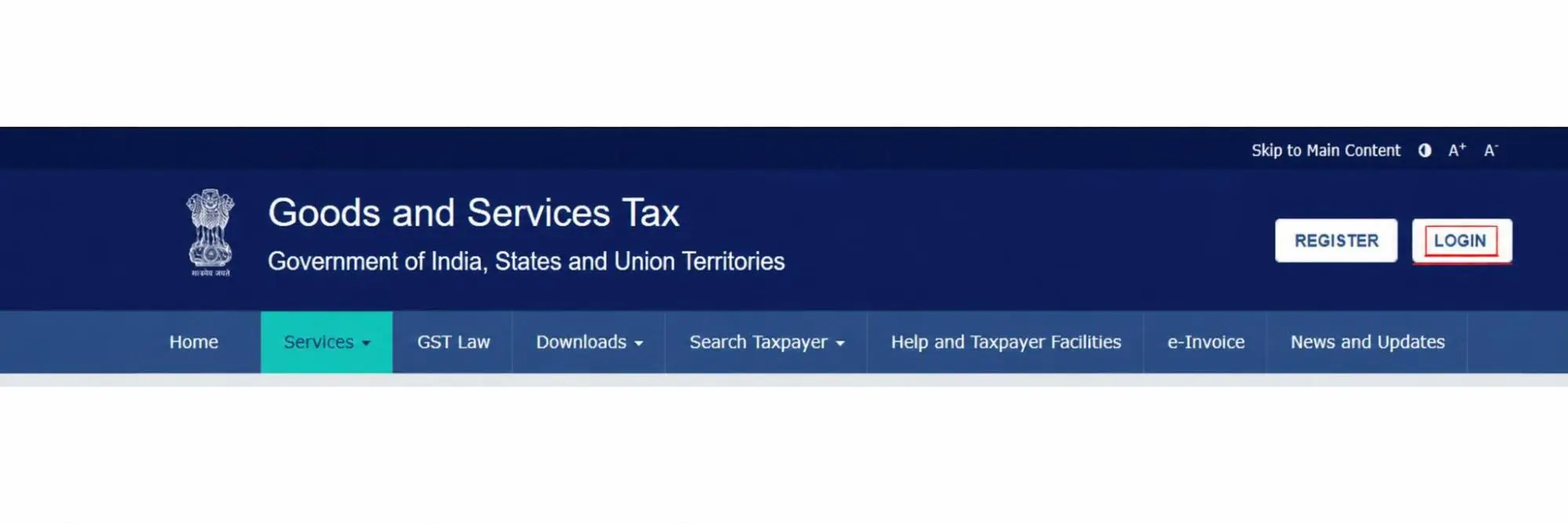
Click on the Login link located in the top right-hand corner of the home page
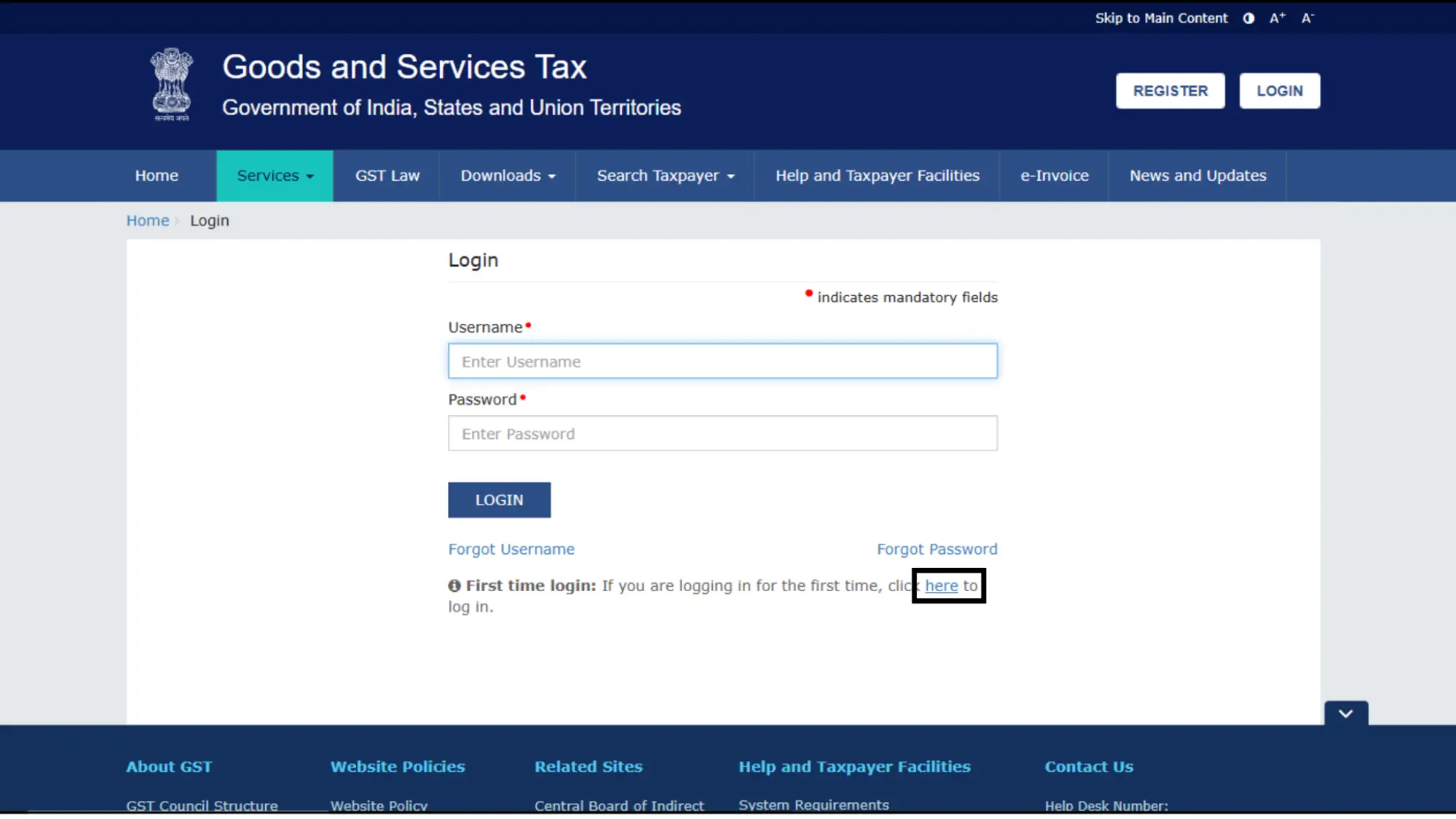
After the login page opens, click on the link “here”. “First time login: If you are logging in for the first time”.
After clicking on the “here” link, enter your User ID and Password received at your email address. Also, put the captcha given below there, then click on the “Login” button
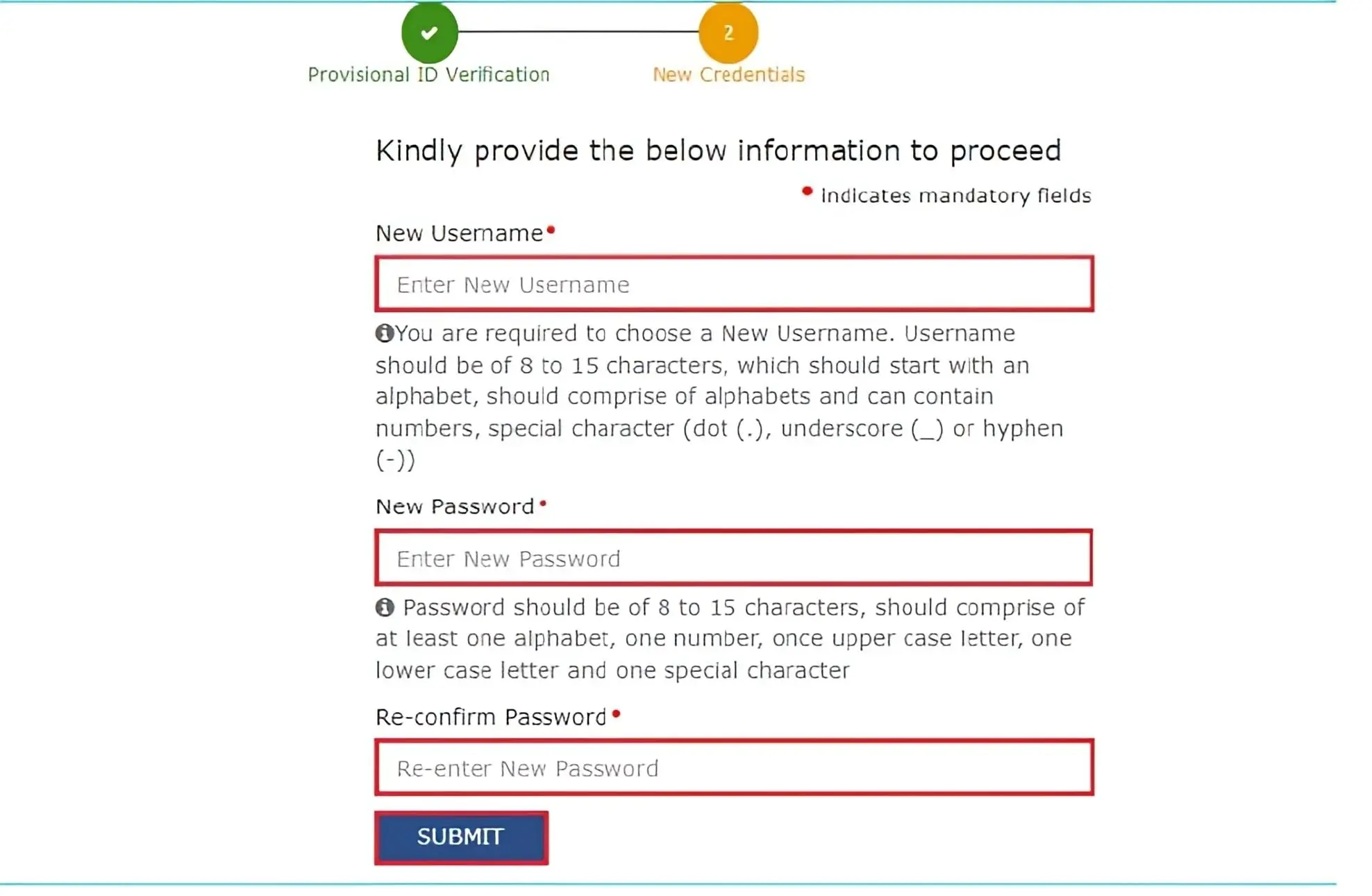
The new page will be displayed. Enter the Username and Password of your choice. Confirm your password and then click on the “Submit” button.
Upon submission, you will receive a success message after the username and password are created. You can buy a login to the official GST portal.
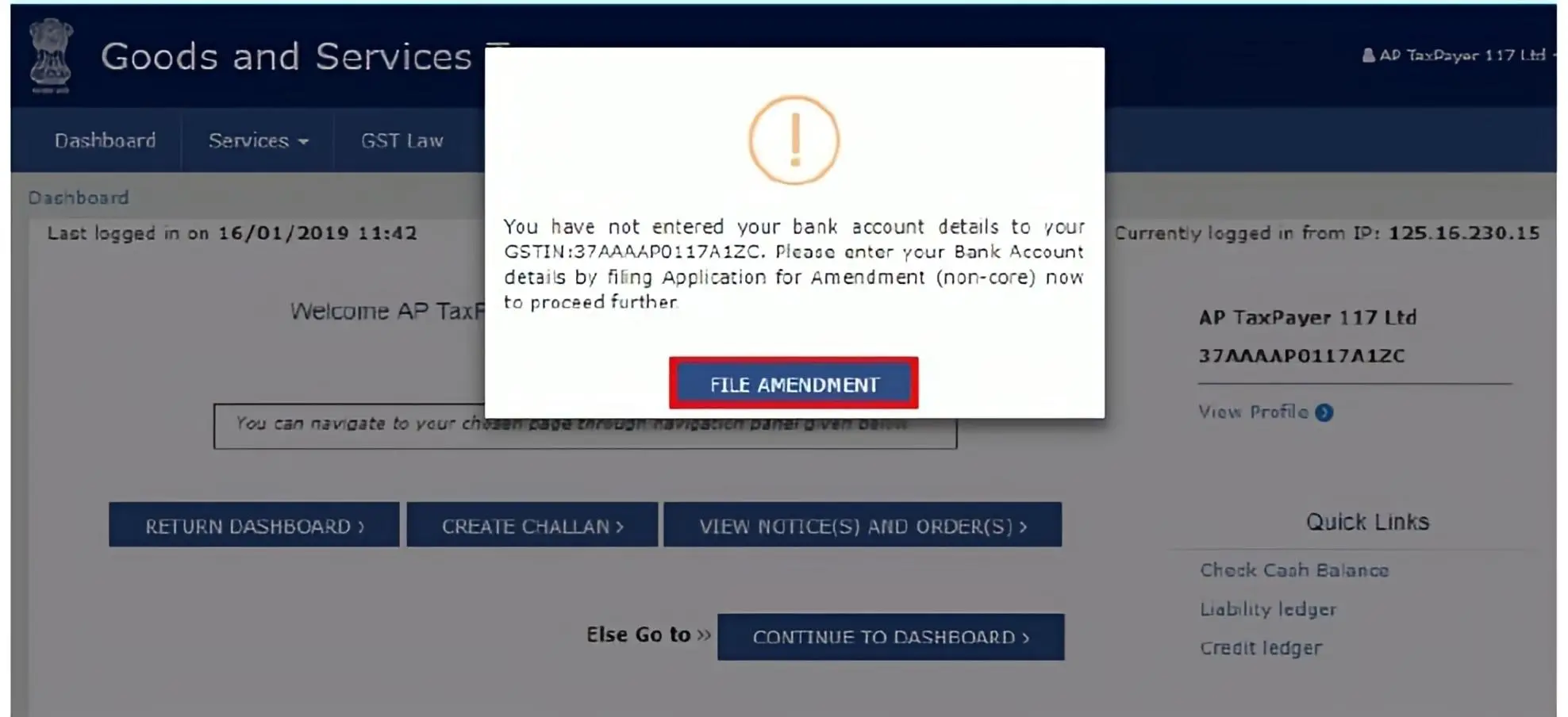
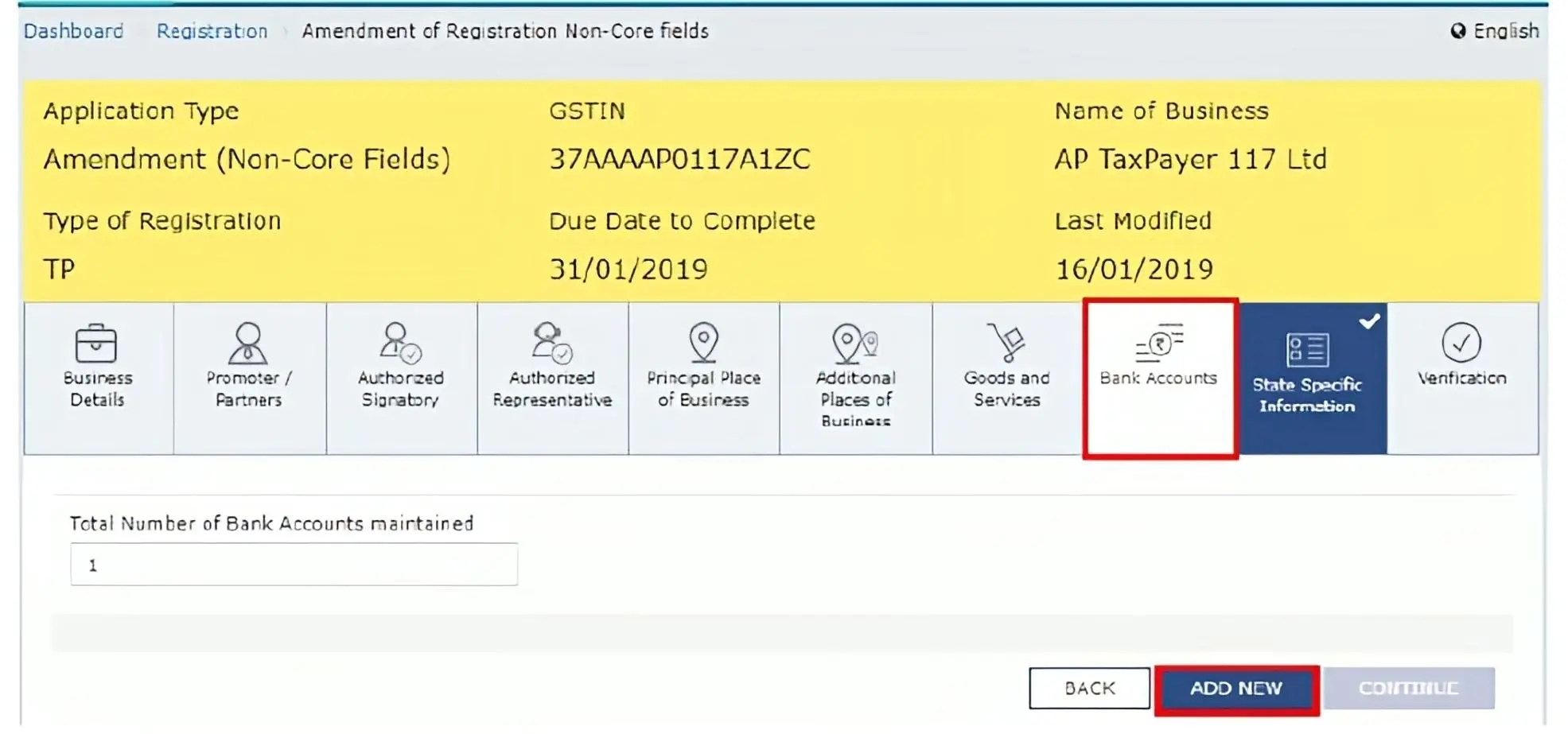
When you login for the first time on the official GST portal website, once you complete the current step, the system will trigger a request asking you to file a non-core amendment application to submit bank account details. So click on “FILE AMENDMENT”.
When you click the File Amendment button. The application form for editing is displayed, and the non-core screen opens in edit form. Edit all the details in the bank account tab by clicking on the “ADD NEW” button and submitting the form.
How to Login On GST Portal?
Existing users can log in to the GST portal by following these steps:
Visit https://www.gst.gov.in/ and click on “Login”, which is located in the right-hand corner of the homepage.
Enter username, password, and captcha code, then click on the “Login" button.
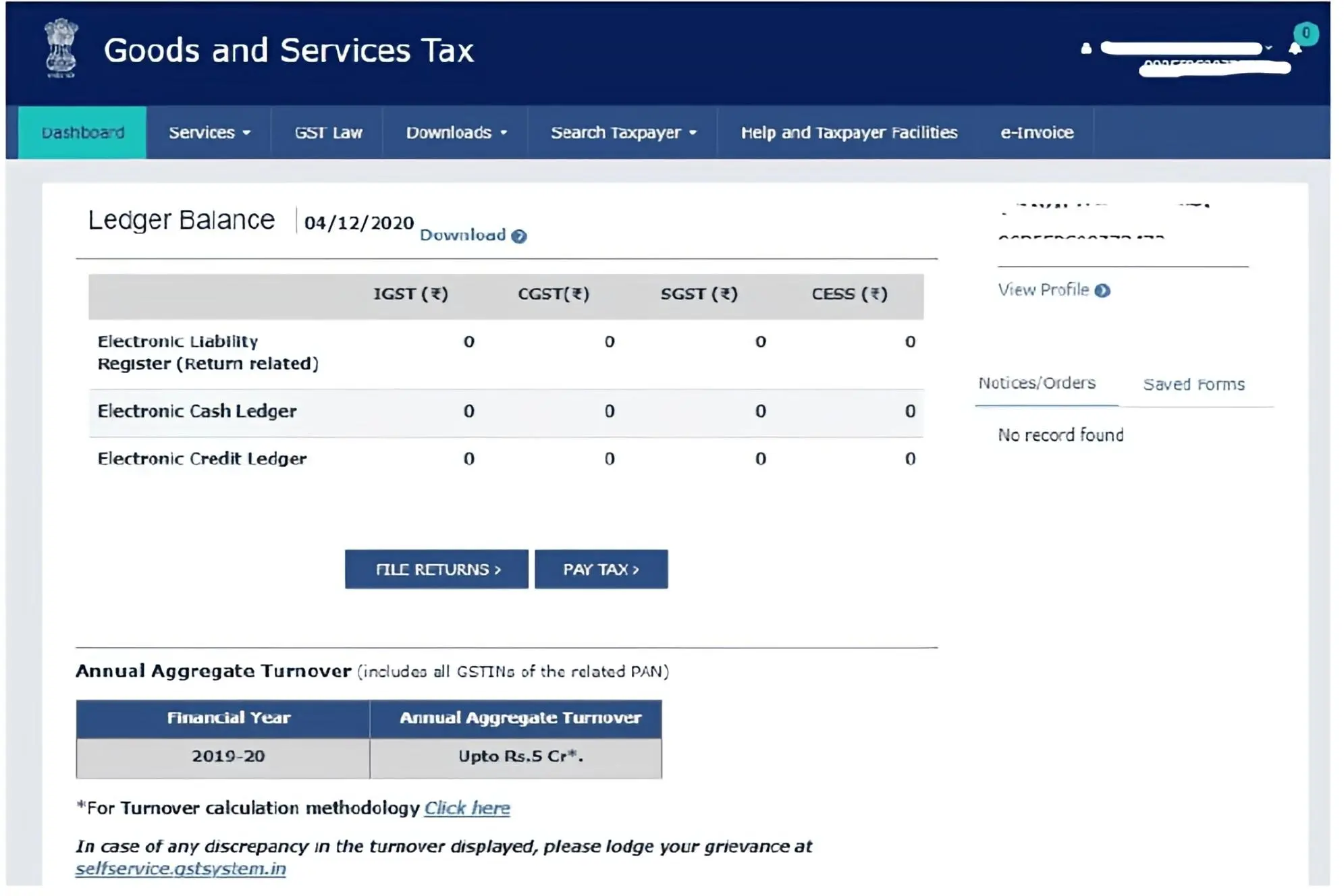
When you login successfully, you will see your main GST page. This page shows your GST credits, your yearly turnover (AATO), your saved forms, and any notices from the tax office. You can also click directly on the File Returns or Pay Tax buttons.
How to Check Your GST Status?
You can check your GST Registration Status online, with or without logging into your account. Government usual takes 15 days to process your application, but you can track its progress on the GST portal at any time. To see and learn exactly how to do this, follow the steps given below.
Hassle-Free GST Registration Using a Private Consultancy
If you want to download the GST certificate, you can visit our official GST Registration site to download it after submitting the application form. You can get your GST certificate easily and quickly.
After the submission, you check the form and then fill in the verification code. After that, our experts will handle the procedure, and you will get your GST Certificate with GSTIN number within 3 to 7 working days.